Every knowledge platform has one feature that holds everything together: the editor. It is the tool that turns ideas, processes, guides and instructions into usable content. With the new version of KNOW&SHARE, we redesigned this core element from the ground up: faster, clearer and more flexible.
Why a new editor?
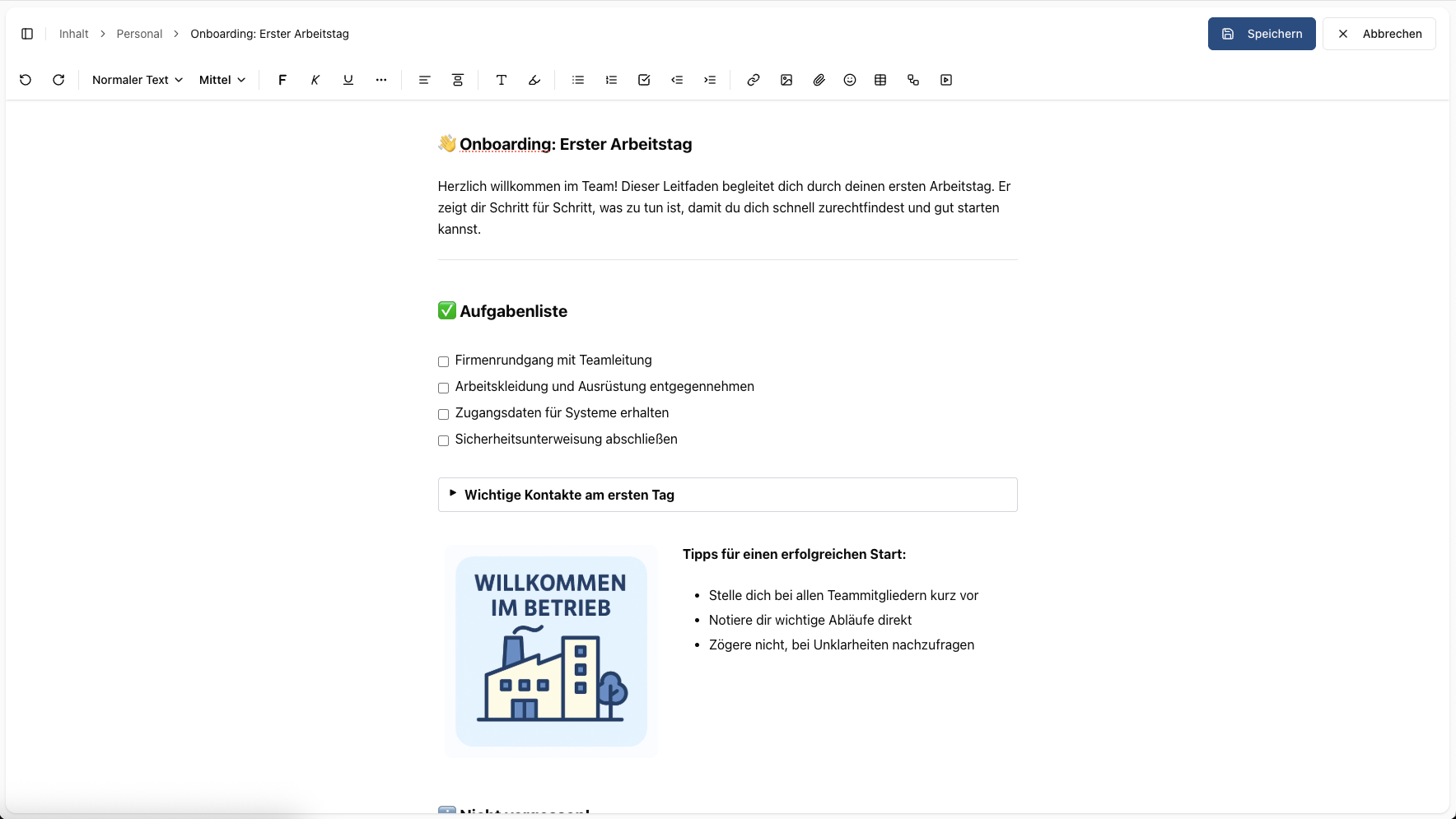
The previous editor offered solid basic functionality and worked well for many use cases. With more complex content or layout changes, however, restructuring tables, images or larger elements often took extra time. Our goal was to make content faster, more flexible and more consistent without forcing users to search through menus.
Content as blocks, flexible and easy to move
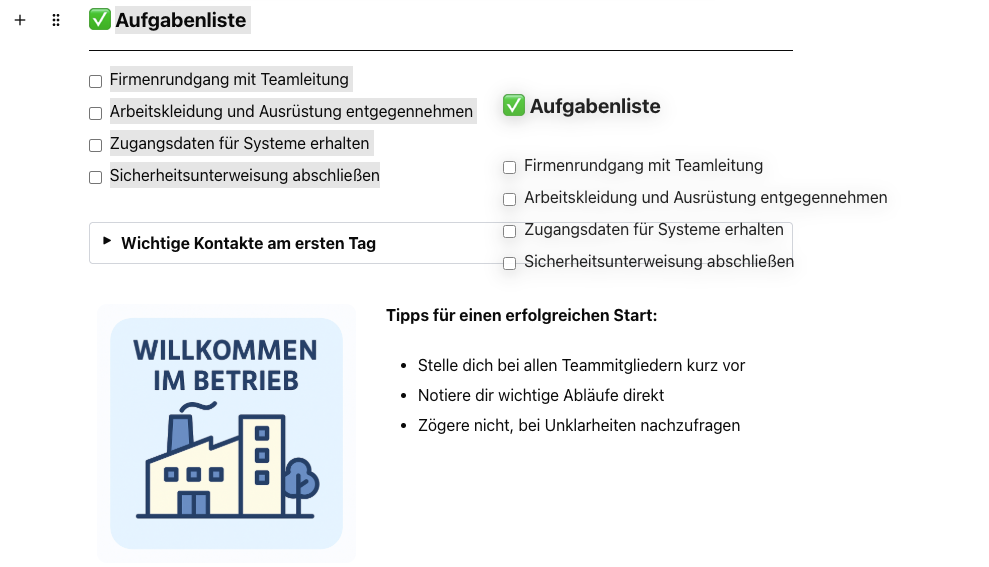
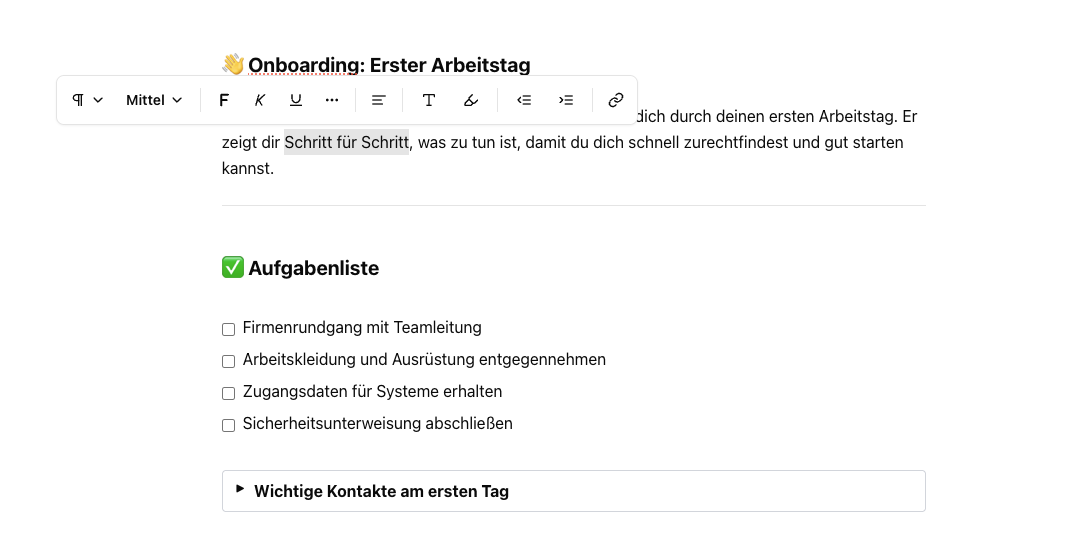
In the new editor, every paragraph, table and image is its own block. Using the drag handle, blocks can be moved, copied or reused elsewhere, including full tables and more elaborate content areas.
More speed with the slash command
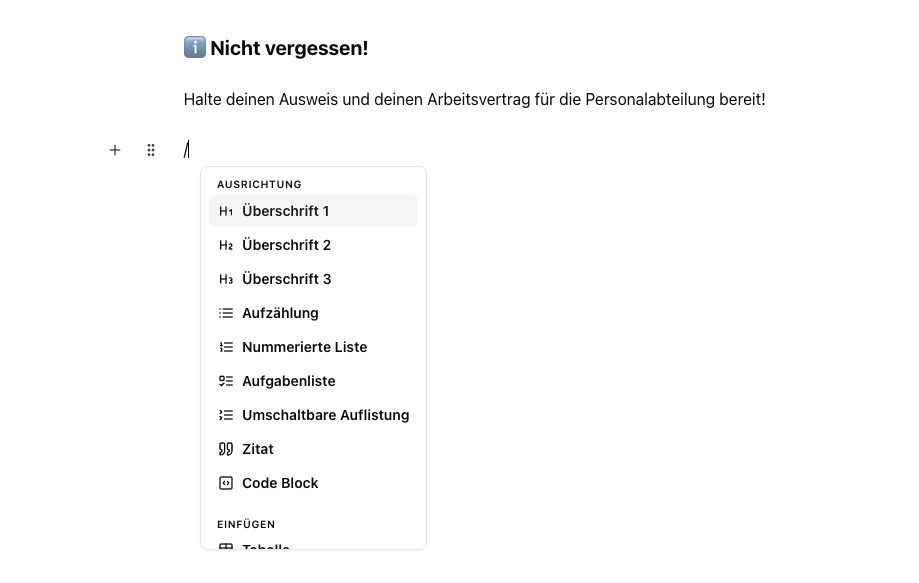
Type "/" and a list of available elements opens immediately. Headings, lists, tables, images, dividers and many other elements can be inserted in seconds without interrupting the writing flow.
- •Task lists with checkboxes
- •Collapsible lists for longer sections
- •Layout columns for side-by-side content
Inline menu for quick formatting
Select text and the most important actions appear right where you are working: bold, italic, insert link, heading and more. The focus stays on the content and fewer clicks are needed.
Benefits in everyday work
The new editor makes it easier to create, structure and adapt content. Even complex elements such as tables or carefully designed sections can be moved or duplicated with just a few clicks. A consistent layout keeps content clear and professional, no matter who created it.
Outlook: the core keeps growing
The new editor is not just a tool. It is the foundation for many features to come. In the next expansion stages, we will continue to improve collaboration and make editing even more efficient.